
 By Marvin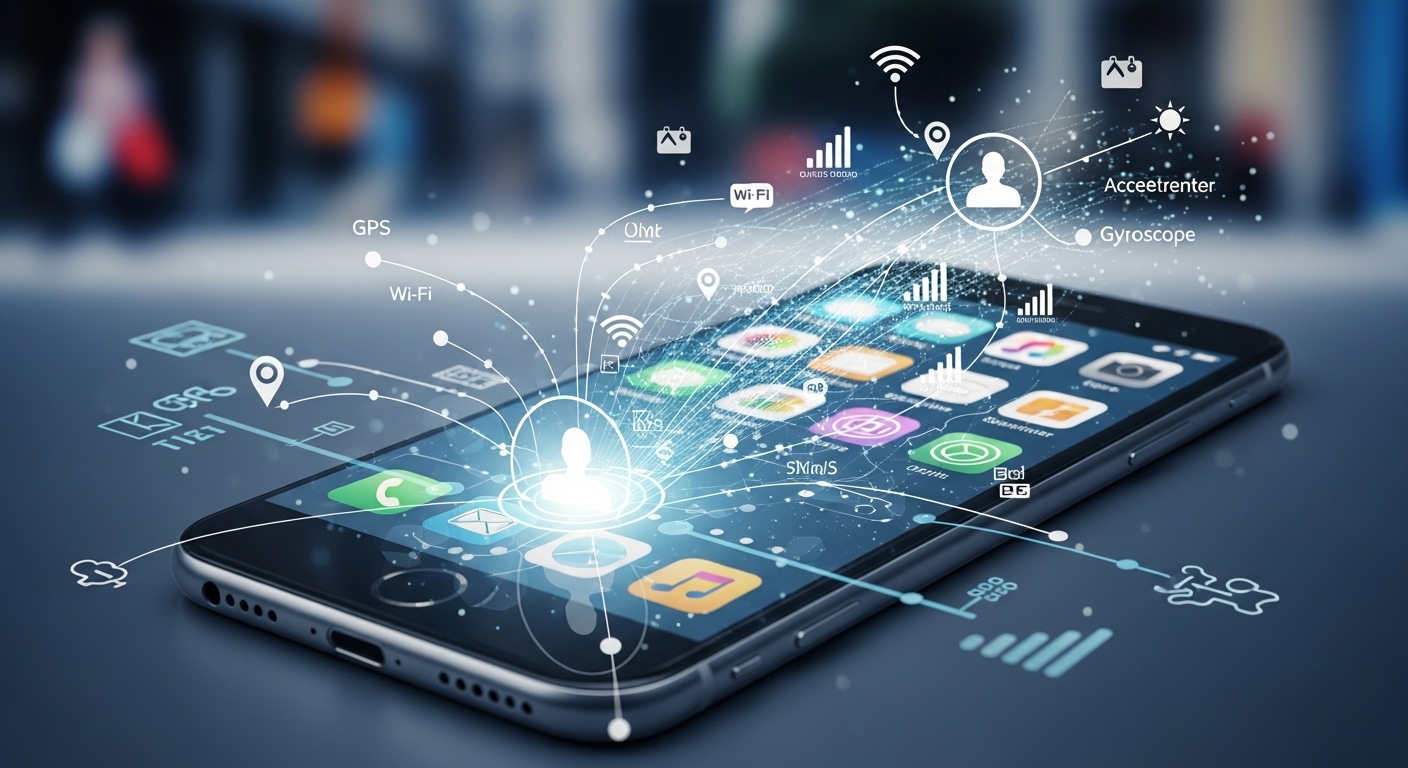
Your phone is sitting face-down on the table. The screen is off. You haven’t touched it in an hour. And yet, right now, a dozen apps are quietly reaching out to remote servers, logging your location, noting which Wi-Fi networks are nearby, and adding to a behavioral profile that has been growing since the day you first turned the device on.
You don’t need to open an app for this to happen. You don’t need to search for anything, buy anything, or tap a single button.
The data collection runs in the background, continuously, whether your phone is in your pocket, on your nightstand, or face-down on a table while you eat dinner.
The Scale of What Gets Collected
Most people have a rough sense that apps collect data. What they significantly underestimate is how much, from how many sources, and how little of it is connected to any feature they actually use.
67% of mobile apps collect location data, often with no clear connection to the app’s core functionality. A flashlight app has no obvious reason to know where you are. A recipe tool doesn’t need your precise coordinates. But the data has value to advertisers and data brokers regardless of whether it serves the user, so it gets collected anyway.
82% of mobile apps collect device identifiers for analytics and advertising purposes, creating tracking capabilities that most users neither expect nor fully understand.
These identifiers follow a device across sessions, across apps, and across time, allowing companies to build long-term behavioral profiles that are far more detailed than anything a user consciously shared.
What “Background Location” Actually Means
When an app requests background location access, it’s asking for permission to track where you are at all times, not just when you’re actively using it. Nearly 18% of iOS apps store users’ background location data. For a user who has dozens of apps installed, that figure multiplies quickly.
The picture that emerges from background location data isn’t just a list of coordinates. It’s a map of your life. Where you sleep, where you work, which medical facilities you’ve visited, which places of worship you attend, which political events you’ve been near. None of this is information most people would hand over willingly, but it flows out of phones constantly through permissions granted quickly during setup and then forgotten.
The iOS Myth: “Apple Devices Are Private”
Apple has built a strong public reputation around privacy, and in some respects it’s earned. The App Tracking Transparency framework, introduced in 2021, gave iPhone users the ability to opt out of cross-app tracking, and 96% of US users chose to do exactly that when given the choice. That’s a meaningful privacy improvement.
But it’s not the full picture. 82.78% of iOS applications still monitor personal information belonging to their users. App Tracking Transparency limits one specific type of cross-app tracking.
It doesn’t stop apps from collecting data within their own ecosystem, doesn’t prevent them from sharing data with third parties through methods that fall outside its scope, and doesn’t protect traffic as it travels across a network.
iOS encryption protects data stored on the device. It doesn’t protect data as it leaves the device and travels across the internet. Once information moves from your phone to a remote server, it’s outside the protection of Apple’s on-device security.
That’s the gap that network-level threats exploit, and it’s the gap that on-device security settings alone can’t close.
For iPhone users who want to extend protection beyond what iOS provides natively, pairing the device with comprehensive VPN coverage encrypts traffic at the network level, shielding data in transit from both third-party interception and ISP-level monitoring, regardless of which app generated it.
The Permission Problem Nobody Audits
App permissions are the mechanism through which smartphones become profiling tools. The problem is that most users grant permissions once, during initial setup, and never revisit them.
In a mobile permission study, 15 out of 20 popular apps requested precise location access, 15 asked for access to files, and 14 requested microphone permission. Among younger users who consider themselves digitally literate, 54% underestimated how many apps they had granted data access to.
That underestimation has consequences. Every permission granted is a channel through which data flows outward, and those channels don’t close automatically. An app installed three years ago, barely used since, may still be collecting location data in the background right now. The permissions screen hasn’t changed since the user tapped “allow” during setup.
The App You Forgot Is Still Running
Audit what’s on your phone. Not just the apps you use daily, but the ones from two years ago, the games you tried once, the utilities that came pre-installed. Each one represents a set of permissions granted and potentially still active.
Revoking access to location, microphone, and contacts for apps that don’t genuinely need them is one of the simplest and most effective privacy steps available, and it costs nothing.
When the Profile Leaves Your Phone
The data collected by apps doesn’t stay with the app. It moves through a chain of advertising networks, data brokers, and analytics platforms, each of which adds to the profile and passes it along. By the time a behavioral profile reaches an advertiser, it may have been enriched with data from dozens of sources the user never interacted with.
Nearly 50% of consumer data collected by companies is used for personalized or targeted advertising.The profile built from your phone’s background activity, combined with your browsing history, purchase records, and location patterns, is worth money.
That’s why it gets collected so aggressively, and why the business model of most free apps depends on it continuing.
44% of US adults believe it is impossible to go through daily life without companies collecting their data. That sense of inevitability is exactly what the data collection industry depends on. The reality is that while some collection is unavoidable, the degree to which it happens is shaped by the tools and settings a user puts in place.
What Actually Reduces the Exposure
Reducing your phone’s data footprint doesn’t require abandoning the apps you rely on. It requires being deliberate about what access those apps have and what happens to your traffic once it leaves the device.
Start with permissions. Review which apps have access to location, microphone, camera, and contacts. Revoke anything that isn’t essential. For location specifically, switch apps from “always” to “while using” wherever possible, and deny access entirely for anything where it serves no obvious purpose.
For the network layer, where data travels between your device and the servers it connects to, a dedicated Purevpn iOS VPN app encrypts that traffic end to end. This prevents ISPs from logging the destinations of your traffic, blocks interception on public Wi-Fi, and makes it significantly harder for third parties to correlate your behavior across networks and sessions.
On an iPhone, where users often assume built-in protections cover everything, adding network-level encryption closes the gap that iOS security alone doesn’t address.
Your phone knows more about you than almost anyone in your life. Whether that knowledge stays contained, or continues flowing outward to parties you’ve never heard of, depends largely on decisions most people haven’t made yet.